Step 1
Step 1
Start with the skull outline. Keep the side knobs and a small chin bump.
Step 1
Draw a skeleton
Step 2
Bring it to life in Giant
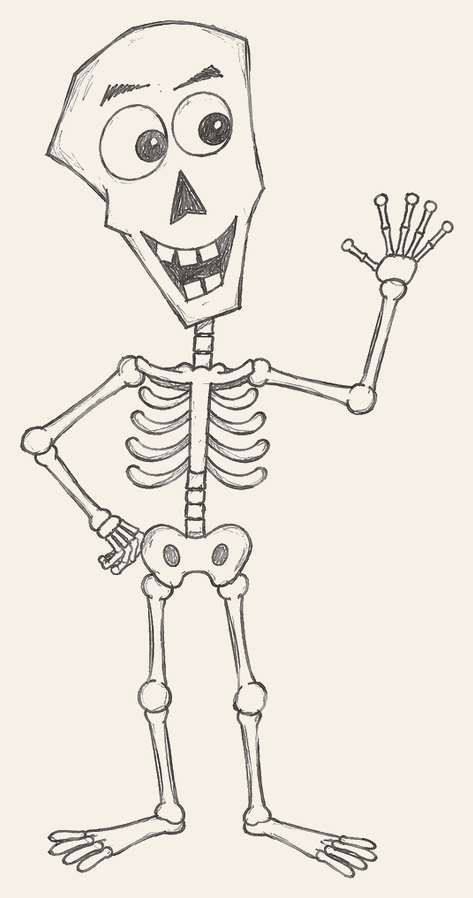
Each picture adds a few lines to the last one. Copy the new lines, then keep going.
Step 1
Start with the skull outline. Keep the side knobs and a small chin bump.
Step 2
Add two round eyes with pupils. Draw a short eyebrow over each eye.
Step 3
Put a triangle nose in the middle. Draw a wide grin and square teeth.
Step 4
Add a thin neck, then the rib cage and a spine down the center.
Step 5
Draw the round pelvis under the spine, with two hip holes.
Step 6
From the left side, draw an arm with the hand resting on the hip.
Step 7
Raise the right arm in a wave. Give it long finger bones.
Step 8
Drop two long thigh bones from the hips for the upper legs.
Step 9
Add the lower legs and little round knees under the thighs.
Step 10
Draw both feet and the toe bones. That finishes the easy skeleton drawing.
In Giant
Finish your picture. Then download Giant and snap a photo. We turn kid drawings into characters you can talk with.
Download GiantKeep drawing